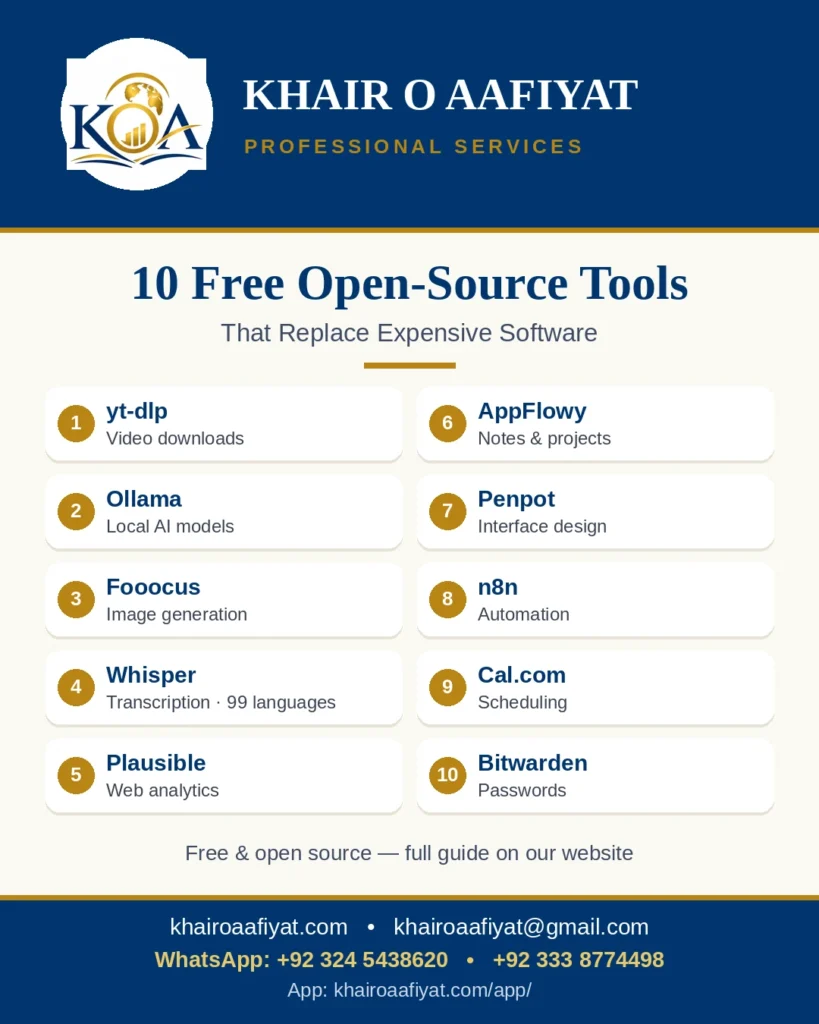
Good software does not have to be expensive. These ten tools are free and open source — anyone can download them, use them, and read their code. Each one does the work of a well-known paid product. They are not magic: running them yourself takes a little technical setup, and the AI and image tools need a capable computer. But the software itself costs nothing.
1. yt-dlp — download videos
yt-dlp downloads videos from many websites so you can watch them offline or keep a copy. It replaces paid video downloaders. Only download videos you have the right to download — respect the website’s terms and the video’s licence.
GitHub: https://github.com/yt-dlp/yt-dlp
2. Ollama — AI on your own computer
Ollama runs AI language models on your own laptop or desktop, with no per-use API bill. It replaces paid API access for everyday AI tasks such as drafting, summarising and answering questions. You need a reasonably capable computer; the larger models need more memory.
GitHub: https://github.com/ollama/ollama
3. Fooocus — image generation on your own graphics card
Fooocus generates images with open image models, on your own GPU, with a simple prompt box and no monthly subscription. It is an alternative to paid image-generation services. You need a graphics card with enough memory (about 6 GB or more for comfortable use).
GitHub: https://github.com/lllyasviel/Fooocus
4. Whisper — free transcription in 99 languages
Whisper is OpenAI’s open-source speech-to-text model. Give it an audio file and it writes out the words, in 99 languages. It replaces paid transcription services. You run it on your own computer, so your audio stays with you.
GitHub: https://github.com/openai/whisper
5. Plausible — privacy-first website analytics
Plausible is a lightweight, privacy-first alternative to Google Analytics. It shows pageviews, referrers and conversions with a tiny script and no cookies. Self-hosted it costs nothing beyond your server; the company also sells a hosted version.
GitHub: https://github.com/plausible/analytics
6. AppFlowy — an open-source Notion
AppFlowy is a workspace for notes, documents, databases and kanban boards — the open-source alternative to Notion. Self-hosted on your own server, with unlimited users. There is also a hosted cloud version for teams that prefer it.
GitHub: https://github.com/AppFlowy-IO/AppFlowy
7. Penpot — an open-source Figma
Penpot is a design tool for interfaces, prototypes and design systems — the open-source alternative to Figma. It is self-hosted and free, and works in the browser with real-time collaboration.
GitHub: https://github.com/penpot/penpot
8. n8n — open-source automation
n8n connects your apps and automates repetitive work — the open-source alternative to Zapier. Build workflows with a visual editor and run unlimited automations on your own server. There is also a hosted cloud version.
GitHub: https://github.com/n8n-io/n8n
9. Cal.com — open-source scheduling
Cal.com is scheduling and booking pages — the open-source alternative to Calendly. Share your link, let people book a time, and sync it with your calendar. Free for personal use, with a hosted version for teams.
GitHub: https://github.com/calcom/cal.com
10. Bitwarden — an open-source password manager
Bitwarden stores your passwords securely and fills them in for you — the open-source alternative to 1Password. The free version covers most people; you can use Bitwarden’s free cloud or host the server yourself.
GitHub: https://github.com/bitwarden/server
Before you install anything
Free software is not the same as zero effort. Self-hosting takes setup and maintenance, and the AI tools need decent hardware. Most of these projects also sell a hosted version — that is how they pay their developers. Start with one tool that solves a real problem for you, not all ten at once.
If you want help choosing the right tools for your business — or setting one up — message Khair O Aafiyat. We work with small businesses on exactly these questions: what to use, what it costs to run, and what to avoid.
Author: Dr. Muhammad Asif, CEO, Khair O Aafiyat
Email: khairoaafiyat@gmail.com · Website: https://khairoaafiyat.com/ · App: https://khairoaafiyat.com/app/ · YouTube: https://www.youtube.com/@AllInOneHubGlobal10 · WhatsApp (text only): +92 324 5438620 · +92 333 8774498 · +971 50 135 9046